How to Choose Accounting Software for Your Small Business in 2026
Disclosure: Some links in this article are affiliate links. If you click through and make a purchase, we may earn a commission at no extra cost to you. Learn more.
The 7-Step Buyer Decision Framework
Choosing the right accounting software comes down to three core variables: business type (service vs product), team size (solo vs multiple staff), and accountant preference. Following our structured 7-step guide will prevent costly migrations later.
Table of Contents
- Step 1: Identify Your Business Model
- Step 2: Determine User Count & Collaboration Needs
- Step 3: Consult Your CPA or Bookkeeper
- Step 4: Evaluate Banking & Payment Integrations
- Step 5: Budget for True Ongoing Costs
- Step 6: Test Mobile Apps & Receipt Scanning
- Step 7: Run a Real 30-Day Free Trial
- Software Selection Cheat Sheet
- Frequently Asked Questions
Step 1: Identify Your Business Model
Your business model determines your primary software requirements:
- Freelancers & Solo Service Providers: You need fast, professional invoicing, expense categorization, and time tracking. (FreshBooks or Wave).
- Growing Small Businesses (2–50 employees): You need automated bank reconciliation, payroll, multi-user permissions, and scalable reporting (Xero).
- Retail & Physical Inventory Sellers: You need purchase orders, stock tracking, and cost of goods sold calculations (QuickBooks Online Plus or Zoho Books).
Step 2: Determine User Count & Collaboration Needs
Be careful with per-seat licensing. While platforms like Xero offer unlimited user logins on standard plans, QuickBooks Online charges steep subscription tier jumps when you exceed 1, 3, or 5 users.
Step 3: Consult Your CPA or Bookkeeper
Before committing to a platform, ask your external tax preparer which software they prefer. While modern accountants work seamlessly with Xero, traditional US firms often strongly favor QuickBooks Online.
Step 4: Evaluate Banking & Payment Integrations
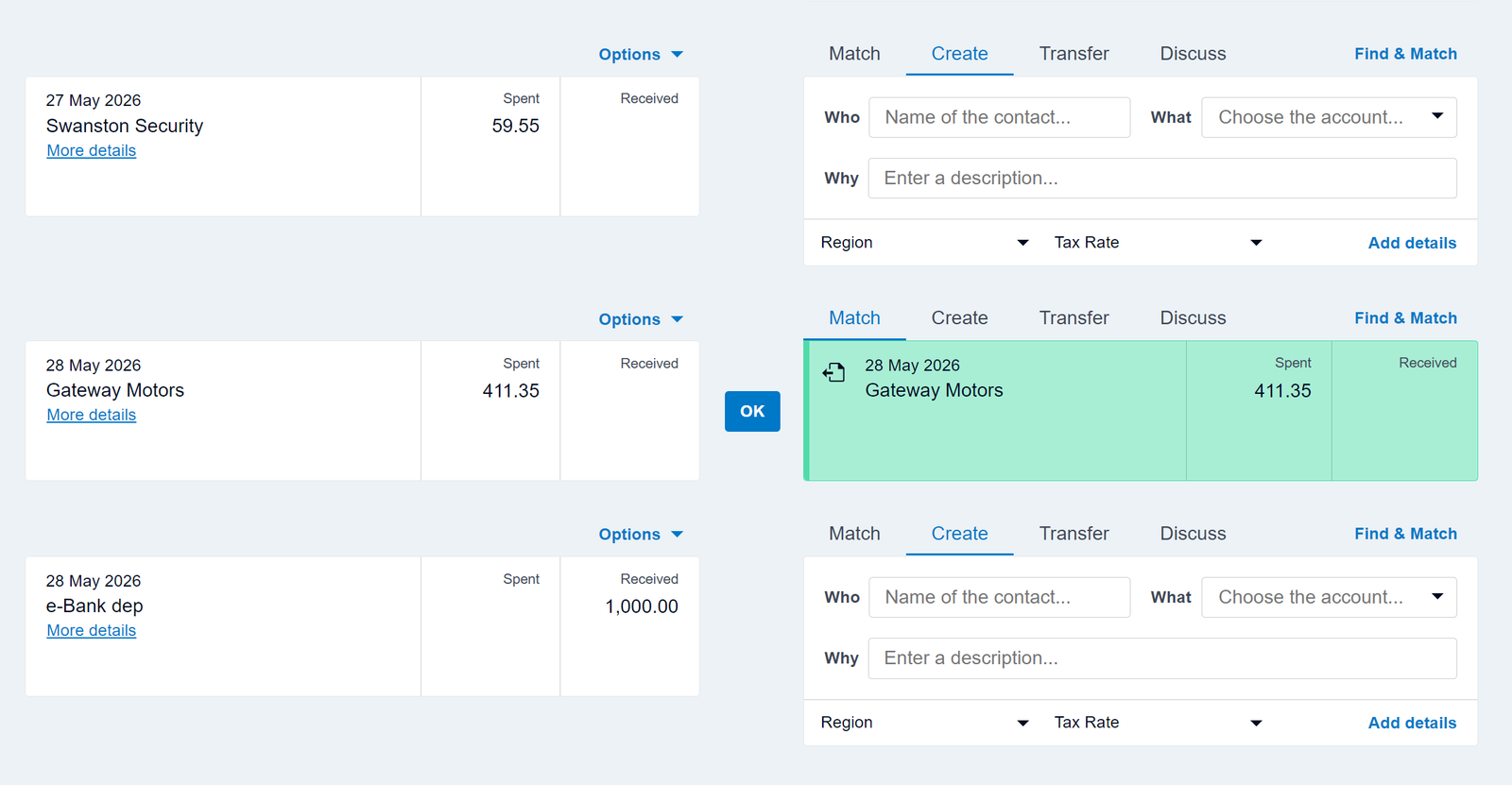
Your software should connect smoothly with your primary business checking account and merchant processors (Stripe, PayPal, Square).
Step 5: Budget for True Ongoing Costs
Beware of introductory promo rates that jump by 50% after three months. Factor in add-on fees such as payroll ($40–$50/mo base + $6/employee) and third-party connector tools.
Step 6: Test Mobile Apps & Receipt Scanning
If you spend considerable time in the field, mobile functionality is critical. Verify that the mobile app allows you to photograph receipts, check cash balances, and send estimates from your phone.
Step 7: Run a Real 30-Day Free Trial
Never buy accounting software sight unseen. Take advantage of 30-day free trials (offered by Xero, FreshBooks, and Zoho Books) to import sample data and test daily workflows.
Software Selection Cheat Sheet
| If your priority is... | Choose this software | Key reason |
|---|---|---|
| Collaboration & modern cloud features | Xero | Unlimited users & best bank reconciliation |
| Client invoicing & billable time | FreshBooks | Superb invoice aesthetics & native timer |
| US CPA standard & deep tax tools | QuickBooks Online | Universal accountant compatibility |
| Budget & generous free tier | Zoho Books | 100% free under $50K annual revenue |
Frequently Asked Questions
When should a small business switch from spreadsheets to accounting software?
Switch as soon as you have recurring monthly transactions, send more than 3 invoices a month, or need to track deductible business expenses for tax season.
Can I switch accounting software later?
Yes. Most platforms provide migration tools or CSV import templates to transfer your chart of accounts and opening balances at the start of a fiscal year.
